

Free AI Video Tools One Workspace
Lip sync, video upscaler, motion control — plus the Veo 3.1 and Seedance 2 generators, all on one canvas and clear credit pools.
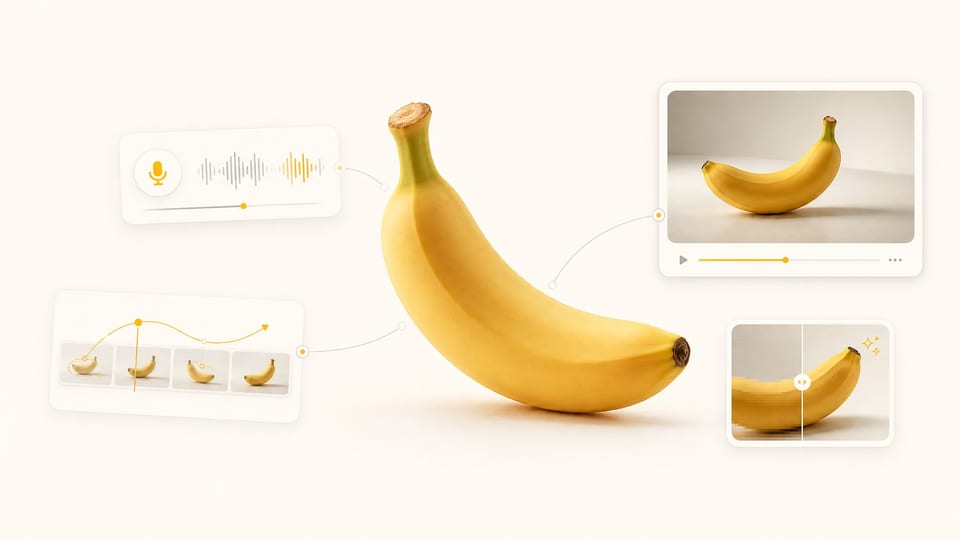
Super Banana Pro pulls the AI video tools you actually use into a single workspace: generate a clip with Veo 3.1 or Seedance 2, then lip-sync a character, upscale to higher resolution, or transfer motion onto a new shot. The picker carries your clip across tools, so one tool's output becomes the next tool's input — no download-and-re-upload between steps, and no separate subscription per tool.
- Switch tools in place — no tab juggling
- Veo & Seedance generators plus editing tools
- Clear credit pools by access
- Failed runs refund credits automatically
Every AI Video Tool You Need, in One Place
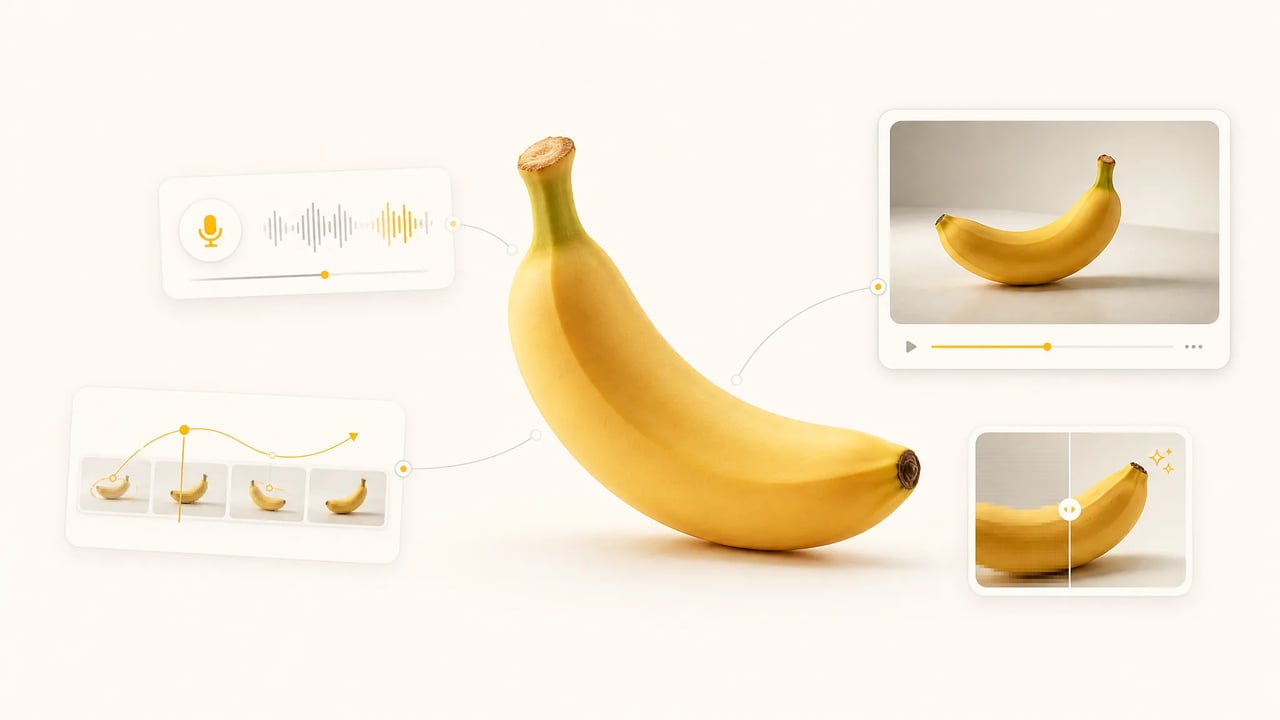
AI video tools are usually scattered — one site to generate, another to lip-sync, a third to upscale, a fourth to transfer motion — each with its own login, its own bill, and its own re-upload step. Super Banana Pro puts the common AI video tools in a single workspace, with Veo 3.1 and Seedance 2 powering the generators. Switch tools in the picker and the previous run's clip carries over, so the output of one AI video tool becomes the input of the next without a download-upload cycle. One account, clear credit pools for eligible tools.

How it works
Run Any AI Video Tool in Three Steps
The same flow works for the generators, the lip-sync tool, the upscaler, and motion control — every AI video tool on Super Banana Pro shares this loop.
- 1
Pick a tool from the picker
The dropdown lists every AI video tool Super Banana Pro ships with, each with a credit badge and a one-line description. Switching tools is one click; your upload, prompt, and last-run clip stay loaded so you never re-upload.
- 2
Drop a clip or image, or write a prompt
The editing tools take a clip or a starting image; the Veo and Seedance generators also accept a text prompt. Locked params — like target resolution — are pre-set, so each tool runs without configuration.
- 3
Run, compare, chain
Hit run and the AI video tool renders — longer jobs queue in the background. Pipe the output into the next tool from the picker — generate a clip, lip-sync a character, then upscale it for delivery — all without leaving the workspace. Failed runs refund credits automatically.
Who Uses These AI Video Tools
Different briefs reach for different AI video tools — Super Banana Pro lets each user pick the right one without leaving the page.
-
Social creators
Creators generate a short clip, lip-sync a talking-head intro, then upscale the result for a crisp upload — all in one workspace. The previous output stays loaded, so each step is one click, not a fresh upload.
-
Marketers
Marketers chain AI video tools — generate a product motion shot, transfer a reference motion onto it, upscale for delivery — without re-uploading between steps. The time saved shows up as faster turnaround on every deliverable.
-
Localization teams
Teams adapting one video for many markets reach for the lip-sync tool to match new voiceovers, then upscale the final cut. One workspace covers generate-to-deliver without shuffling files between separate sites.
-
Solo founders & indie makers
Makers who can't justify several video-tool subscriptions get every tool on one bill. Top up free credits with daily check-in and referrals, and scale up only when a launch needs the volume.
The toolbelt
What's in the AI Video Tools Picker
-
Veo & Seedance Video Generators
The AI video tools that create from scratch — type a prompt or drop a starting image, pick Veo 3.1 or Seedance 2, get a clip. Text-to-video and image-to-video in one workspace.
-
AI Lip Sync
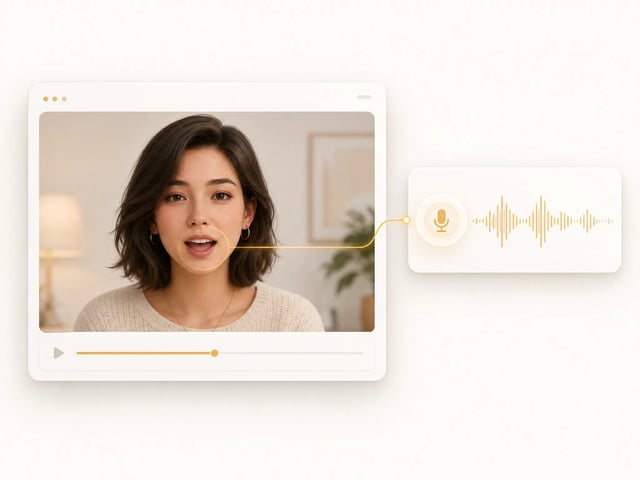
The AI video tool that matches mouth movement to any audio or voiceover. Drop a clip, supply the track, and the character speaks in sync — ideal for dubs and talking-head intros.
-
AI Video Upscaler
The AI video tool that enlarges footage to higher resolution without artifacts. Turn a rough render or old clip into a crisp, delivery-ready cut from a single source.
-
Motion Control
The AI video tool that transfers motion from one clip onto another subject or scene. Reuse a camera move or choreography without reshooting — drop a reference and a target, and run.
-
Shared run history
Every AI video tool's outputs land in the same run-history sidebar. Re-open any past run, regenerate with tweaks, or pipe it into the next tool without re-uploading.
-
Clear credit pools
Every AI video tool draws from account credits. Free credits cover standard tools; Premium tools use subscription or purchased credits.
Why one workspace
Chain AI Video Tools Without Re-Uploading
The output of every AI video tool stays loaded as the input of the next — no download-upload cycle between steps.
Generate, then lip-sync
Generate a character clip with Veo 3.1 or Seedance 2, then lip-sync it to a voiceover in the same workspace. The freshly generated clip is the input for the lip-sync tool — no save-and-re-upload.
Edit, then upscale
Lip-sync or motion-transfer a clip, then upscale the result for a delivery-ready cut. Both AI video tools see the same clip; the picker handoff is one click.

Generate, then transfer motion
Generate a base shot, then transfer a reference motion onto it with motion control. Reuse a camera move across takes without leaving the workspace or re-uploading the source.

Frequently Asked Questions About These AI Video Tools
What AI video tools are included in this workspace?
Every video tool a creator typically needs: Veo and Seedance generators (text-to-video and image-to-video), AI Lip Sync (match mouth movement to audio), an AI Video Upscaler (higher resolution without artifacts), and Motion Control (transfer motion onto a new shot). New tools land in the picker as they ship — no separate sign-ups.
Are these AI video tools free?
Yes — every tool here is free to try. New accounts get free credits for standard tools, topped up by daily check-in and referrals. Premium tools use subscription or purchased credits; paid plans pay off when you need volume or a commercial-use license.
Can I chain these AI video tools end to end?
Yes — every tool's output stays loaded as the next tool's input. Generate a clip with Veo or Seedance, lip-sync a character, upscale the result, then transfer motion — all without a download / re-upload cycle. The picker handoff is one click.
Can I use the outputs commercially?
Yes — outputs ship with a commercial-use license on paid plans. The legal page lists the exact terms.
Can I link to a specific AI video tool?
Yes — every tool in the picker has a stable URL parameter. Share a link like superbananapro.com/video/tools?tool=video-upscaler and the recipient lands directly on the upscaler workspace. No login needed to view; sign-up is only required to run.
Open the AI Video Tools Workspace
Free credits on signup, the Veo and Seedance generators and every editing tool in one picker, commercial-use outputs on paid plans.