Limited-Time 40% OFF!Get Offer

Free AI Image Generator Nano Banana Pro, GPT Image 2 & More

Start with one free Nano Banana 2 image today, then compare every leading AI image generator model from one prompt.

Super Banana Pro is a free AI image generator for people who need more than one model. Generate one Nano Banana 2 image daily with no login, sign up for 10 free credits, then compare Nano Banana Pro, GPT Image 2, Seedream, and Grok in the same workspace. Your prompt, reference images, history, and credits stay together, so you can find the right model without opening five tools or paying five subscriptions.

  • One free Nano Banana 2 image daily, no login
  • Nano Banana Pro, GPT Image 2, Seedream and Grok
  • Text-to-image plus reference-image editing
  • One shared credit pool with automatic refunds
Super Banana Pro free AI image generator with Nano Banana Pro, GPT Image 2, Seedream and Grok in one workspace
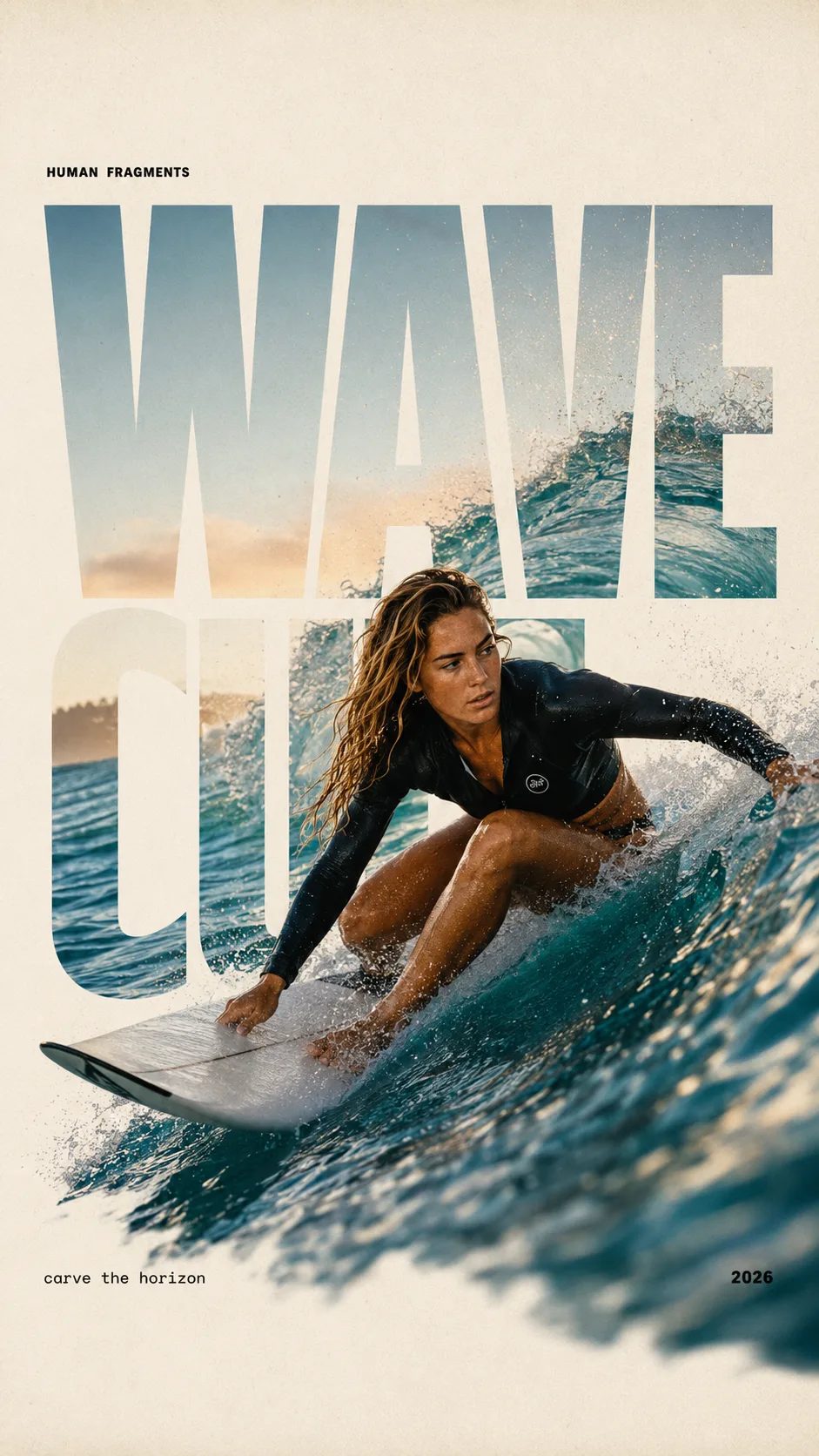
HUMAN FRAGMENTS editorial poster sample

Create a 9:16 editorial poster in the HUMAN FRAGMENTS visual system. Theme: [surfing / basketball / boxing / cake decorating] Subject: [gender, age, appearance, outfit] Action: [specific movement or handcraft] Scene: [location and environment] Title: [custom two-word title] Supporting line: [one short phrase] Year: 2026 Use oversized cropped typography as the main structural framework. The letters should act as windows that reveal the surrounding environment, while the main person remains visually complete in front of the type. Do not let the letters cut through the face, torso, arms, thighs, or other important parts of the body. Let one key action element break beyond the typography to create strong depth: 1. WAVE CUT — a surfer carving across a rising wave, with the board nose, hand, water spray, and curled wave breaking outside the letters. 2. RIM RISE — a basketball player reaching toward the hoop from a camera placed above the rim, with the basketball, hand, and hoop fully outside the letter masks and aligned naturally. 3. IMPACT FRAME — a boxer throwing a straight punch toward the camera, with the foreground glove enlarged and breaking beyond the typography while the gym remains inside the letters. 4. SOFT SWIRL — a graceful young woman decorating a cake, with the piping bag, hands, cake, and cream details extending beyond the letters while the bakery interior appears inside the type. Use realistic photography, believable anatomy, natural skin texture, strong foreground perspective, subtle paper grain, a warm off-white background, restrained colors, and clean editorial spacing. Keep the text minimal and freely placed: [Title] HUMAN FRAGMENTS [Short supporting line] 2026

Create a 9:16 editorial poster in the HUMAN FRAGMENTS visual system. Theme: [surfing / basketball / boxing / cake decorating] Subject: [gender, age, appearance, outfit] Action: [specific movement or handcraft] Scene: [location and environment] Title: [custom two-word title] Supporting line: [one short phrase] Year: 2026 Use oversized cropped typography as the main structural framework. The letters should act as windows that reveal the surrounding environment, while the main person remains visually complete in front of the type. Do not let the letters cut through the face, torso, arms, thighs, or other important parts of the body. Let one key action element break beyond the typography to create strong depth: 1. WAVE CUT — a surfer carving across a rising wave, with the board nose, hand, water spray, and curled wave breaking outside the letters. 2. RIM RISE — a basketball player reaching toward the hoop from a camera placed above the rim, with the basketball, hand, and hoop fully outside the letter masks and aligned naturally. 3. IMPACT FRAME — a boxer throwing a straight punch toward the camera, with the foreground glove enlarged and breaking beyond the typography while the gym remains inside the letters. 4. SOFT SWIRL — a graceful young woman decorating a cake, with the piping bag, hands, cake, and cream details extending beyond the letters while the bakery interior appears inside the type. Use realistic photography, believable anatomy, natural skin texture, strong foreground perspective, subtle paper grain, a warm off-white background, restrained colors, and clean editorial spacing. Keep the text minimal and freely placed: [Title] HUMAN FRAGMENTS [Short supporting line] 2026
Why a Multi-Model AI Image Generator Beats One Best Model

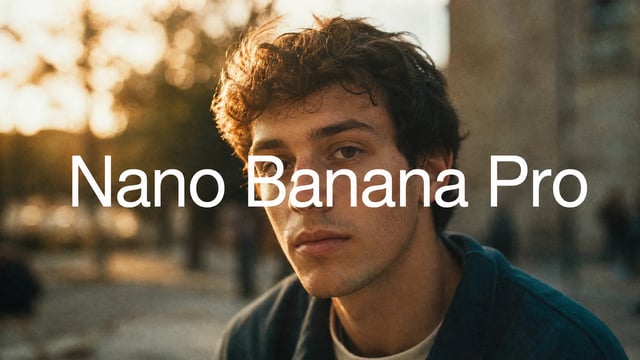
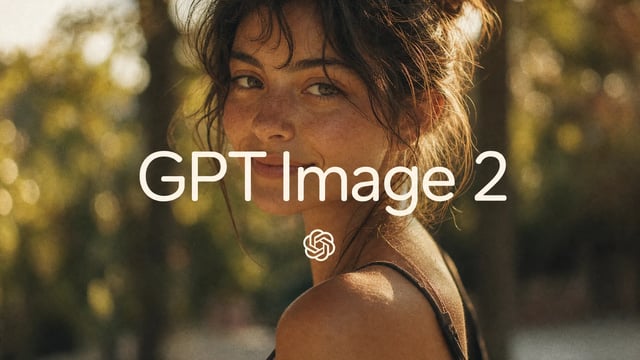
Search for an AI image generator and every tool promises one perfect model. Real production work is messier. Nano Banana 2 is a strong free default for quick drafts; Nano Banana Pro is better when you need 4K detail and accurate in-image text; GPT Image 2 is useful for layouts, typography, and prompt obedience; Seedream and Grok can be faster or more stylized depending on the job. Super Banana Pro turns those choices into a model picker instead of a subscription maze: one prompt, one reference set, clear credit pools, and enough context to compare outputs side by side before you commit.

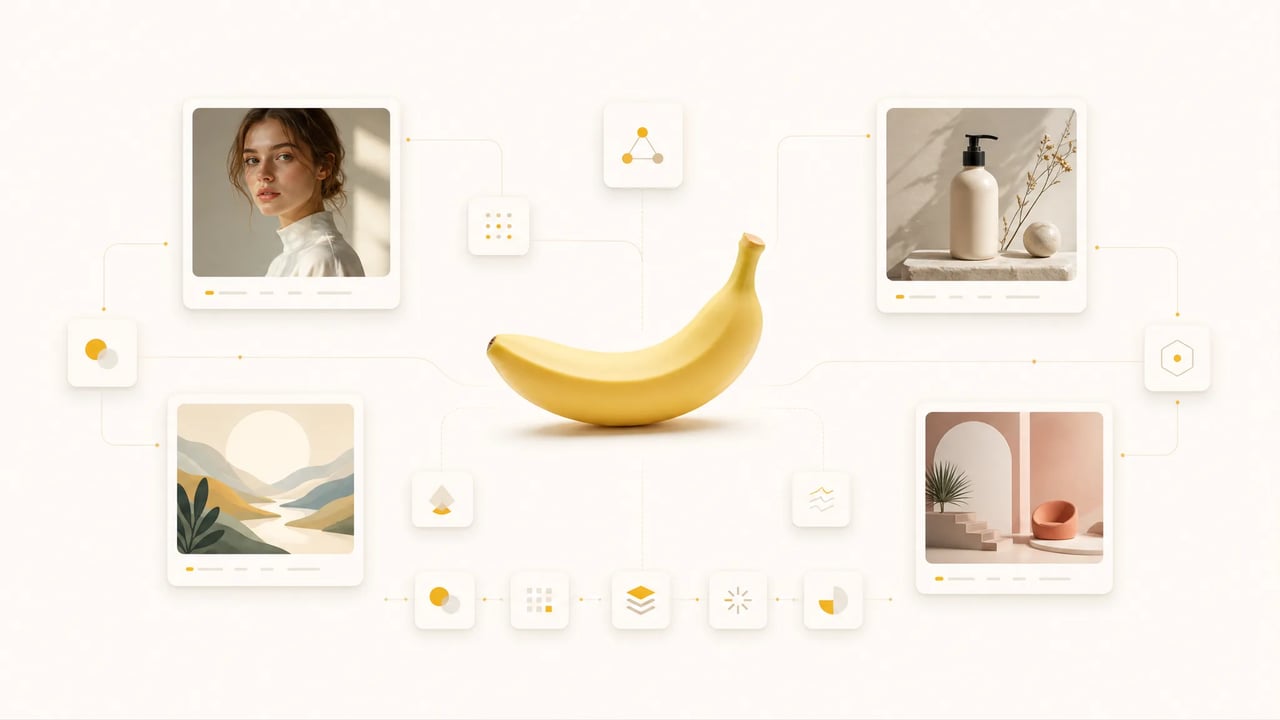
Multi-model AI image generator comparing Nano Banana Pro, GPT Image 2, Seedream and Grok from one prompt

Model guide

Which AI Image Generator Model Should You Use?

Each model in the AI image generator is better at a different job. Start with the free default, then switch when the prompt needs sharper text, faster drafts, or a different visual style.

free start Nano Banana 2 Free daily starter Try Free
Nano Banana Pro 4K + references View Model
GPT Image 2 Photoreal edits
Seedream 5 Lite Fast drafts
Grok Imagine Cinematic style
Best first use No-login daily image tests Final 4K visuals and multi-reference edits Photorealistic generation and precise image editing Fast photorealistic text-to-image drafts Cinematic compositions and alternate reads
Good for Quick ideas, prompt tests, free exploration Posters, packaging, brand visuals, detailed concepts Product shots, realistic scenes, clean edits Campaign variants, thumbnails, fast visual options Social concepts, dramatic scenes, stylized direction
Resolution signal Up to 4K Up to 4K Up to 4K 1K basic or 2K high Multiple candidates per prompt
Choose it when You want to test the generator before signing up The image needs polish, detail, or strong reference control The brief depends on realistic output or careful edits Speed matters more than final-pass detail You want a more cinematic or surprising interpretation
How it works

How This AI Image Generator Works in Three Steps

Use the free AI image generator as a working bench: start with a fast draft, compare models, then refine the strongest output.

  1. 1

    Choose the model that matches the job

    Start with Nano Banana 2 for a free daily image, or open the picker for Nano Banana Pro, GPT Image 2, Seedream, and Grok. Each model shows a short role and credit cost so you know whether you are testing a fast draft, a high-detail render, or a text-heavy design.

  2. 2

    Write a prompt or upload a reference

    Use text-to-image for a new concept, or image-to-image when you want to restyle a photo, extend a scene, replace a background, or keep a subject consistent. Your prompt and reference images stay loaded when you switch models, which makes comparison fast instead of repetitive.

  3. 3

    Run, compare, and keep the best output

    Generate a result, review what each model did well, and rerun only when the next variation has a clear purpose. Failed generations refund credits automatically, and paid plans add a commercial-use license for production assets.

Output ideas

What You Can Create With This AI Image Generator

Use this AI image generator for concrete creation jobs, from product scenes and landing graphics to campaign variants, thumbnails, and reference-image edits.

  • AI Image Generator for Product Photos

    Generate cleaner product contexts, seasonal scenes, and listing visuals, then use image tools for background cleanup, upscaling, or reframing.

  • AI Image Generator for Landing Page Graphics

    Create hero images, article covers, explainer visuals, and supporting graphics without hunting for stock photos that only half match the page.

  • AI Image Generator for Ad Concepts

    Test several visual angles from one brief before spending credits on a final batch. Compare photoreal, editorial, and stylized directions in one workspace.

  • AI Image Generator for Social Posts

    Turn a prompt into scroll-stopping thumbnails, square posts, story frames, and quick visual hooks for social channels.

  • Reference-image edits

    Upload a photo, keep the subject or composition, and ask the generator to restyle, extend, replace, or refine the image.

  • Post-generation cleanup

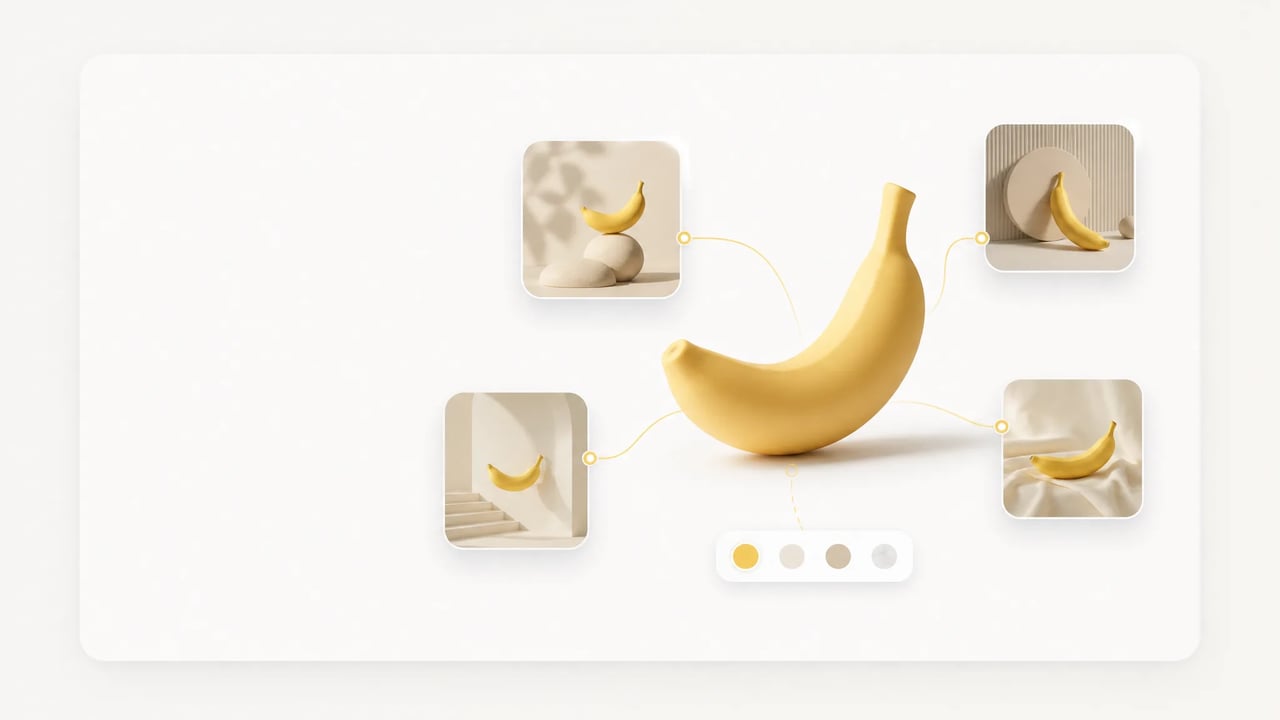
    Move from generation into background removal, upscaling, or reframing when the image is close but needs production polish.

What People Use the Free AI Image Generator For

The best model depends on the intent behind the image. These AI Image Generator workflows show how the page supports common creation jobs.

  • First-time AI image users

    Run one free Nano Banana 2 image per day without creating an account. If the result is close, sign up for 10 credits and test the same prompt in Nano Banana Pro, GPT Image 2, Seedream, or Grok before deciding which model deserves more runs.

  • Designers and creative teams

    Compare models on the same brief instead of guessing. Use Nano Banana Pro for 4K polish and accurate in-image text, GPT Image 2 for layout control, and image-to-image editing when a reference photo or brand direction must stay consistent.

  • Marketers and SEO builders

    Create hero images, blog graphics, ad concepts, and social variants around a campaign angle. The model picker helps you test whether the visual should feel photoreal, editorial, product-led, or playful before you spend credits scaling a batch.

  • E-commerce sellers

    Generate product scenes, lifestyle backdrops, and listing images, then move into image tools for background removal, upscaling, or reframing. A single workspace keeps generation and cleanup close enough for repeated catalog work.

  • Solo founders and indie makers

    Avoid buying separate subscriptions just to test which AI image model works for a launch page. One shared credit pool makes the cost visible, while daily free generation and signup credits leave room for exploration before volume matters.

What's included

A Free AI Image Generator Built for Real Comparison

This AI Image Generator page is not just a prompt box. It is designed around the decisions people actually make before publishing an image.

Free daily generation before signup

Every visitor can generate one Nano Banana 2 image a day without logging in. A free account adds starter credits for standard models, so you can move from a no-risk test to a real comparison without adding a card. Premium models use subscription or purchased credits.

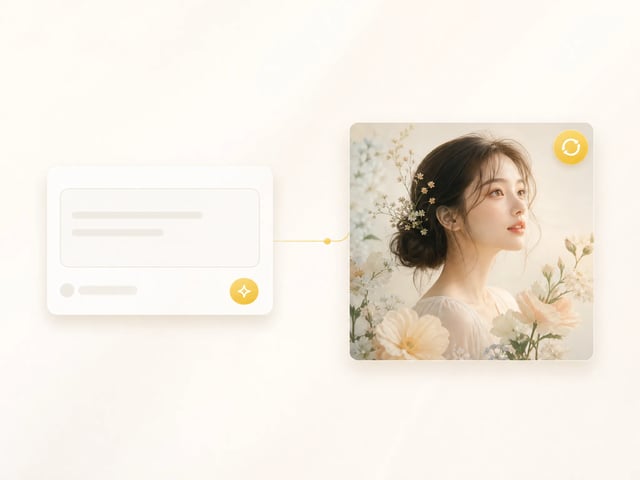
Super Banana Pro free AI image generator with the Nano Banana 2 model selected

A model picker for different image intents

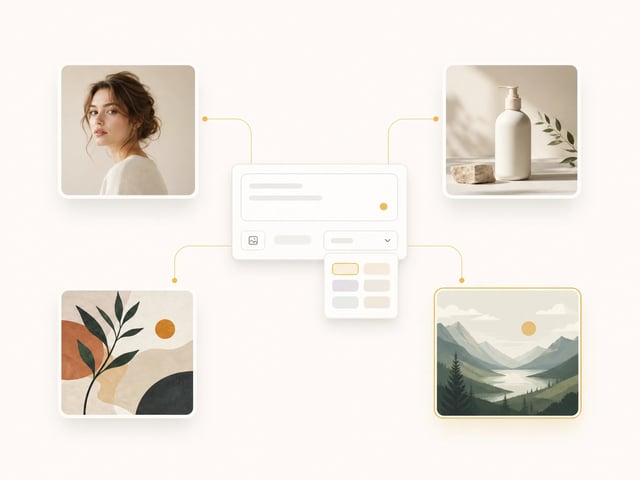
Nano Banana 2, Nano Banana Pro, GPT Image 2, Seedream, and Grok sit in one dropdown with clear credit pools. Use the picker to match what you need from the image: a free draft, accurate text, polished 4K output, fast ideation, or stylized exploration.

Model picker listing Nano Banana 2, Nano Banana Pro, GPT Image 2, Seedream and Grok

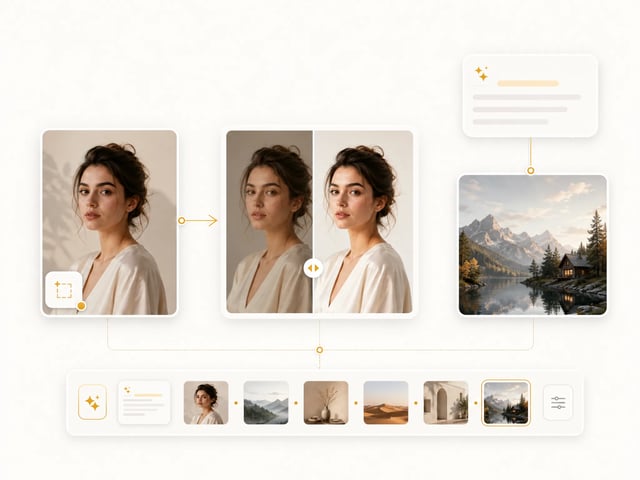
Text-to-image and image-to-image in one flow

Start from a blank prompt or upload a reference image to restyle, edit, extend, or keep a subject consistent. Because references carry across model switches, you can compare how each AI image generator handles the same visual constraint.

Reference-image editing carried across AI image model switches

Credit safety for production work

Credits are shared across the image models, and failed generations refund automatically. Paid plans include a commercial-use license, which matters when the output moves from exploration into ads, product pages, client work, or on-site content.

Commercial-ready AI image output and credit safety in Super Banana Pro

Free AI Image Generator FAQ

Is this AI image generator really free?

Yes. You can generate one Nano Banana 2 image per day without logging in. A free account adds starter credits for standard models; Premium models such as Nano Banana Pro, GPT Image 2, Seedream, and Grok use subscription or purchased credits.

Do I need an account to try this AI image generator?

No. This AI image generator keeps the default Nano Banana 2 run available to visitors without signup. Create a free account when you want more credits, model history, and access to the complete image model catalog.

Which AI image generator model should I choose first?

Start with Nano Banana 2 when you want a free all-round draft. Use Nano Banana Pro for 4K detail and accurate in-image text, GPT Image 2 for layout and typography-sensitive prompts, and Seedream or Grok when speed, style, or a different visual interpretation matters.

Can this AI image generator use a reference image?

Yes. The workspace supports image-to-image workflows. Upload a reference, describe the change, and compare how different models preserve the subject, style, composition, or background.

How do credits work?

Credits are shared across supported image models. The picker shows the cost before you run, signup gives you 10 credits, and failed generations refund automatically so you are not charged for outputs you do not receive.

Can I use generated images commercially?

Paid plans include a commercial-use license for generated outputs. If you are using images for ads, client work, product pages, or other public commercial use, check the legal page for the exact plan terms before publishing.

Is this only for text-to-image?

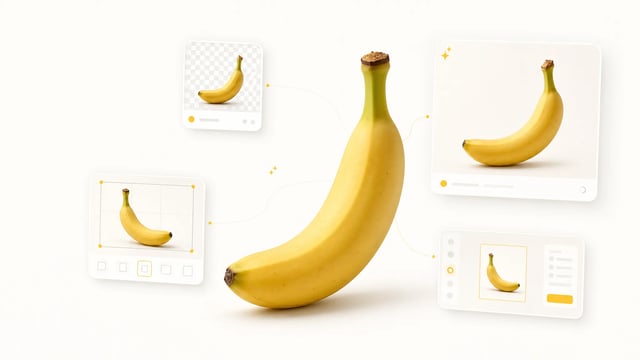
No. The page supports both text-to-image and image-to-image. You can create a new image from a prompt, upload a reference photo, or use post-processing tools such as background removal, upscaling, and reframing after generation.

Start the Free AI Image Generator With the Right Model

Start with one free Nano Banana 2 run today, then use 10 signup credits to compare Nano Banana Pro, GPT Image 2, Seedream, and Grok from the same workspace.