
Product sellers
Have one product photo but no clean lifestyle scene? Upload it, describe the setting, and make a version for your listing or campaign.
Turn a rough idea or one reference photo into a product scene, portrait, or illustration. Start with Nano Banana 2 Lite for quick drafts, then switch to Nano Banana 2 or Pro when the final image needs more resolution.
Production preview
See what you can make from a sentence, a reference photo, or a higher-resolution pass.
Start with a rough idea. Type a sentence, get a first image, then refine the direction on Nano Banana 2 Lite as you decide what belongs in the final scene.
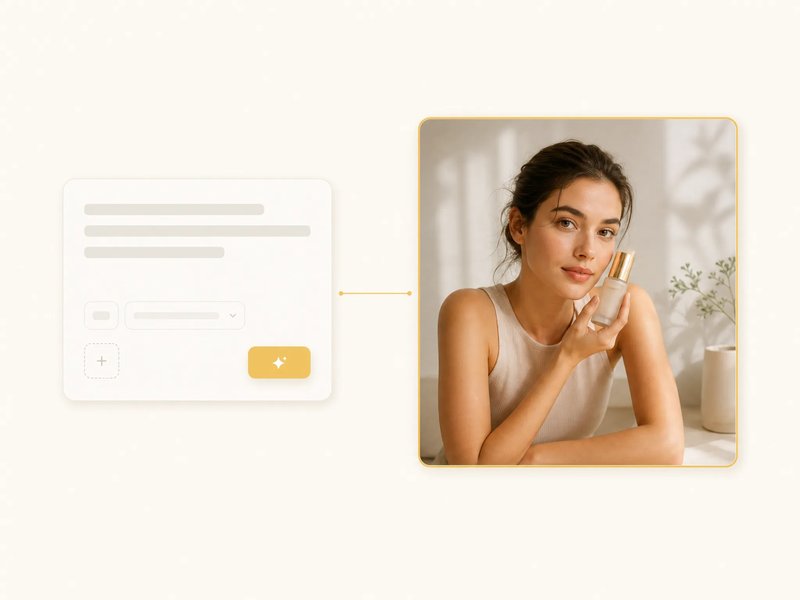
Have a photo that is close but not ready? Upload it, describe the change, and create a new version without rebuilding the scene from scratch.
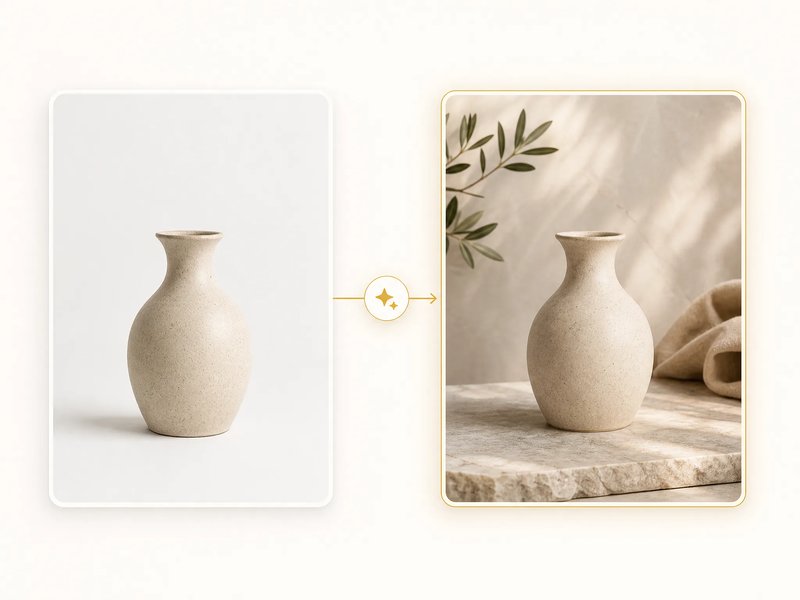
When the direction is right, switch to Nano Banana 2 or Nano Banana Pro for output up to 4K. Choose the higher tier when the final image needs more room for detail.
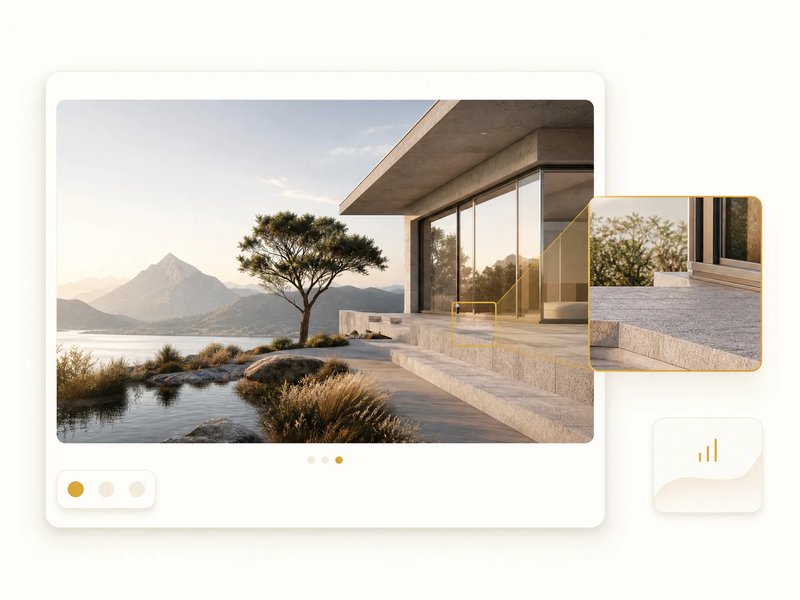
Need quick everyday edits? Start with Nano Banana. For fast, lower-cost drafts and iteration, use Nano Banana 2 Lite; for balanced generation and editing up to 4K, choose Nano Banana 2; for complex compositions and multi-reference editing up to 4K, choose Nano Banana Pro. All four tiers are available in the same image generator, so you can choose the one that fits the work without switching tools.
Cards here open family inner pages, including Nano Banana 2.1 and Nano Banana 2.5.
Need several quick directions? Use Nano Banana 2 Lite's fixed 1K drafts, character consistency, and legible text to keep iterating.
When a draft needs more resolution, choose balanced generation and editing up to 4K.
For complex compositions or brand work, use multi-reference editing with reasoning and real-world knowledge, up to 4K.
Type a prompt for a new image, or upload a photo to edit it. Both paths are available in the same generator.
When the composition needs a set frame, choose the aspect ratio per generation. Pro starts with a square 1:1 canvas; other tiers follow your prompt.
Start with the idea or photo you already have, choose the tier that fits the work, then download or refine the result.
Type what you want to see, or upload a photo when you want to edit what you already have.
Keep Nano Banana 2 Lite for quick drafts; switch to Nano Banana 2 or Pro when the final needs more resolution or precision.
Run the generation, then check the composition, subject, and details before you keep the result.
Save the image, or edit it again with a refined prompt or source photo.
Start with what you already have: a product photo, portrait, campaign idea, or style direction.
Have one product photo but no clean lifestyle scene? Upload it, describe the setting, and make a version for your listing or campaign.
Need several versions of the same character? Use Nano Banana 2 Lite's character consistency to explore face-and-outfit variations.
Need to shape a campaign direction first? Draft on Lite, then use Nano Banana 2 or Pro for the final image when higher resolution matters.
Want to try several style directions? Start on the lower-cost Lite tier, then switch when the final piece needs more resolution.
This table focuses on the three tiers for quick drafts through higher-resolution work. Nano Banana remains available for everyday edits.
| This siteNano Banana 2 LiteDefault hereGenerate | Nano Banana 2Balanced generation and editing, up to 4K | Nano Banana ProComplex compositions, up to 4K | |
|---|---|---|---|
| Resolution | 1K (fixed) | Up to 4K | Up to 4K |
| Best for | Fast, low-cost drafts | Balanced generation and editing | Complex compositions and brand work |
| Speed | Fastest | Balanced | Slower, most precise |
Start with Nano Banana 2 Lite, then add credits when you need more generations or higher-tier output.
Enjoy Limited-Time 30% OFF!
All four current tiers of Google's Nano Banana family: Nano Banana, Nano Banana 2, Nano Banana 2 Lite, and Nano Banana Pro. Nano Banana 2 Lite is the default model.
Choose Nano Banana for quick everyday edits, Nano Banana 2 Lite for the fastest and lowest-cost drafts, Nano Banana 2 for balanced generation and editing up to 4K, and Nano Banana Pro for complex compositions and multi-reference editing up to 4K.
Yes. Upload a photo, describe the change, and create a new version from that starting image. Review the result to make sure the subject and composition are what you want.
Nano Banana 2 Lite is a fixed 1K output. Nano Banana 2 and Nano Banana Pro both go up to 4K.
Yes — sign up and get free credits, enough for a Nano Banana 2 Lite generation, with no card required.
Plans start at $19.90 a month; each generation draws credits based on the model and resolution you pick. The full table is on the pricing page.
Start on Nano Banana 2 Lite, then switch tiers when the work needs more resolution.