

Free AI Image Tools One Workspace
Background remover, upscaler, extender — plus the Nano Banana generator, all on one canvas and clear credit pools.
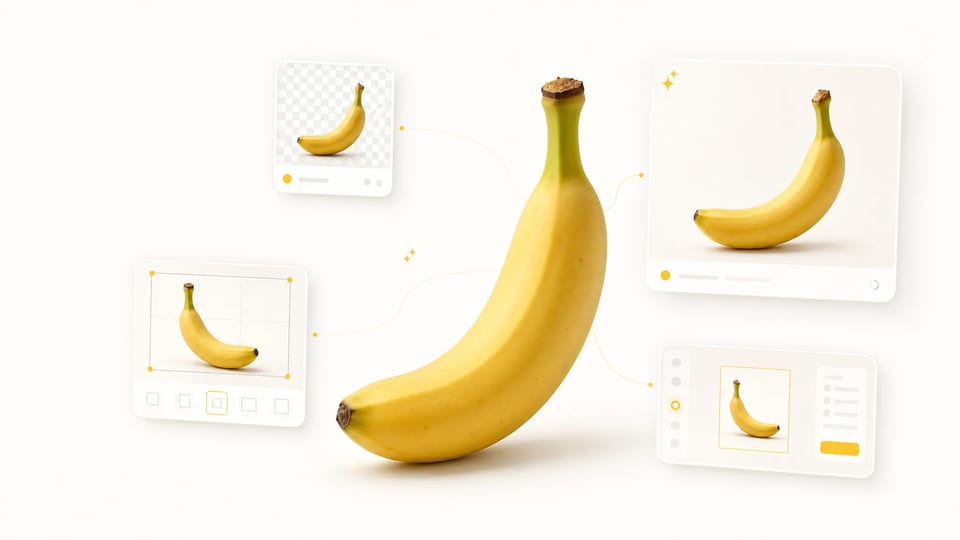
Super Banana Pro pulls the AI image tools you actually use into a single workspace: generate with Nano Banana, then remove a background, upscale to print resolution, or reframe to any aspect ratio. The picker carries your image across tools, so one tool's output becomes the next tool's input — no download-and-re-upload between steps, and no separate subscription per tool.
- Switch tools in place — no tab juggling
- Nano Banana generator plus editing tools
- Clear credit pools by access
- Failed runs refund credits automatically
Every AI Image Tool You Need, in One Place
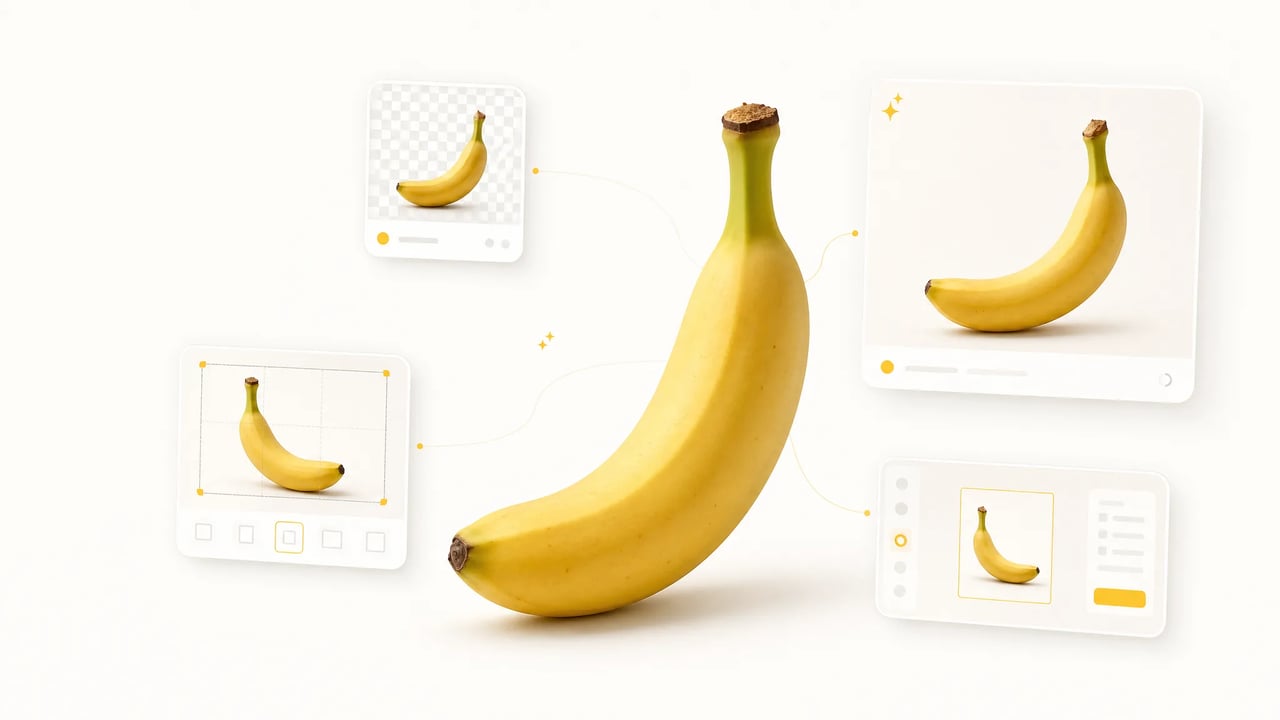
AI image tools are usually scattered — one site to generate, another to remove backgrounds, a third to upscale, a fourth to reframe — each with its own login, its own bill, and its own re-upload step. Super Banana Pro puts the common AI image tools in a single workspace, with Google's Nano Banana model powering the generator. Switch tools in the picker and the previous run's image carries over, so the output of one AI image tool becomes the input of the next without a download-upload cycle. One account, clear credit pools for eligible tools.
How it works
Run Any AI Image Tool in Three Steps
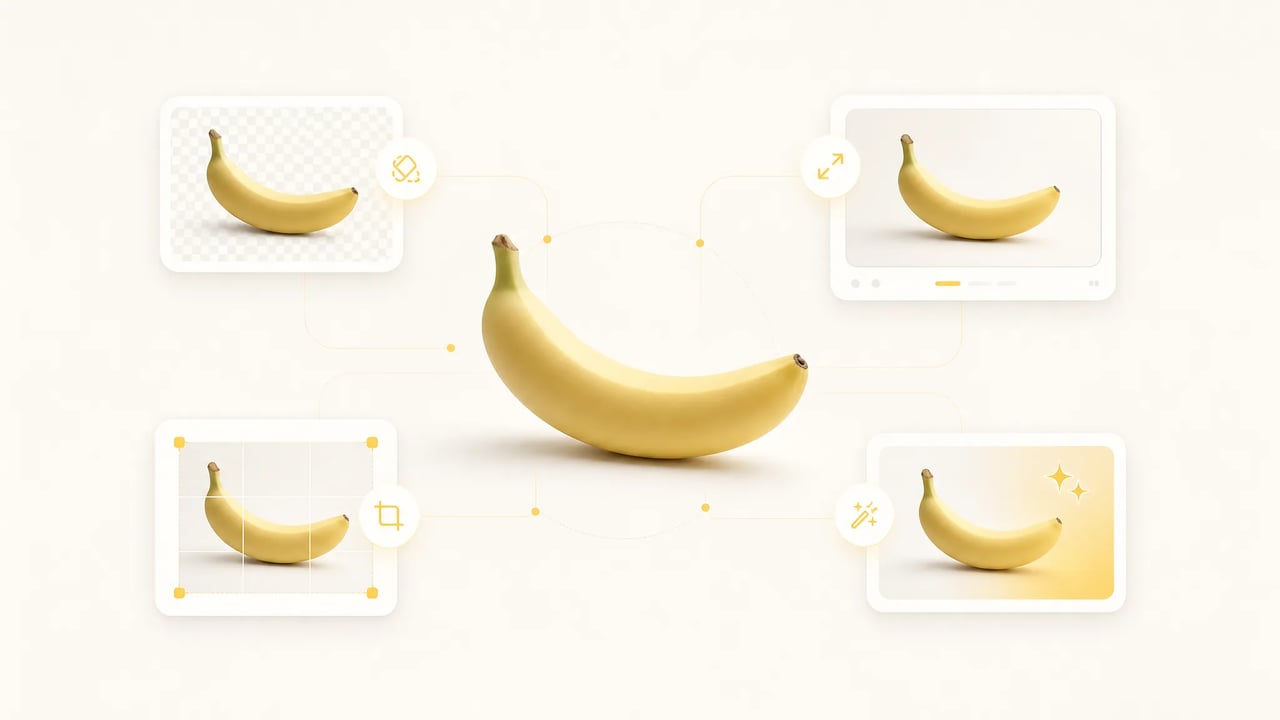
The same flow works for the Nano Banana generator, the background remover, the upscaler, and the extender — every AI image tool on Super Banana Pro shares this loop.
- 1
Pick a tool from the picker
The dropdown lists every AI image tool Super Banana Pro ships with, each with a credit badge and a one-line description. Switching tools is one click; your upload, prompt, and last-run output stay loaded so you never re-upload.
- 2
Drop a reference or write a prompt
The editing tools take a reference photo (JPG, PNG, WEBP). The Nano Banana generator also accepts a text prompt. Locked params — like background-removal precision — are pre-set, so each tool runs without configuration.
- 3
Run, compare, chain
Hit run and the AI image tool renders in seconds. Pipe the output into the next tool from the picker — turn a Nano Banana image into a clean cutout, then upscale it for a hero banner — all without leaving the workspace. Failed runs refund credits automatically.
Who Uses These AI Image Tools
Different briefs reach for different AI image tools — Super Banana Pro lets each user pick the right one without leaving the page.
-
E-commerce operators
Product teams generate a clean shot with Nano Banana, cut its background, then upscale the cutout for a hero banner — all in one workspace. Cataloging hundreds of SKUs becomes a prompt and a few clicks per SKU instead of three separate tools.
-
Social creators
Creators generate thumbnail concepts with one tool, then reframe each to portrait or landscape for Stories versus feed. The previous output stays loaded, so reframing is one click, not a fresh upload.
-
Marketers
Marketers chain three AI image tools — generate a product mockup, cut its background, upscale it for a billboard — without re-uploading between steps. The time saved shows up as faster turnaround on every deliverable.
-
Designers
Designers reach for the AI image tool that fits each step — Nano Banana for the concept, the extender to fit aspect ratio, the upscaler for print. One workspace covers the brief end to end, with no asset-shuffling between separate sites.
The toolbelt
What's in the AI Image Tools Picker
-
Nano Banana Image Generator
The AI image tool that creates from scratch — type a prompt, pick Nano Banana 2 or another model, get an image in seconds. Every leading model lives in one workspace.
-
AI Background Remover
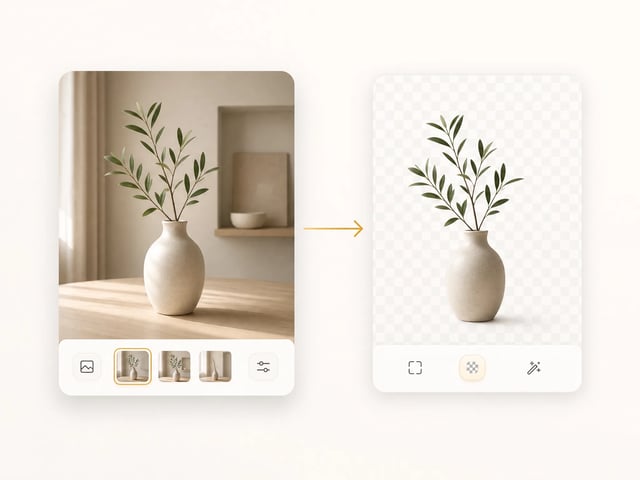
The AI image tool that cuts the subject out of any photo. One click, no prompt, transparent PNG output ready for product catalogs and thumbnails.
-
AI Image Upscaler
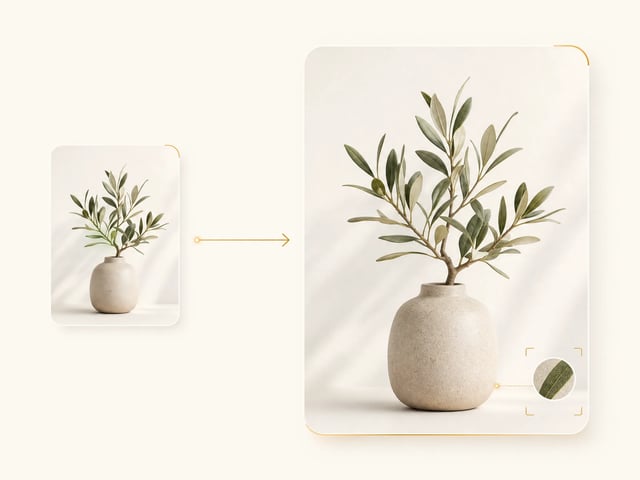
The AI image tool that enlarges any photo to crisp, print-ready resolution without artifacts. Studio prints, hero banners, billboard mockups — all from a single source.
-
AI Image Extender
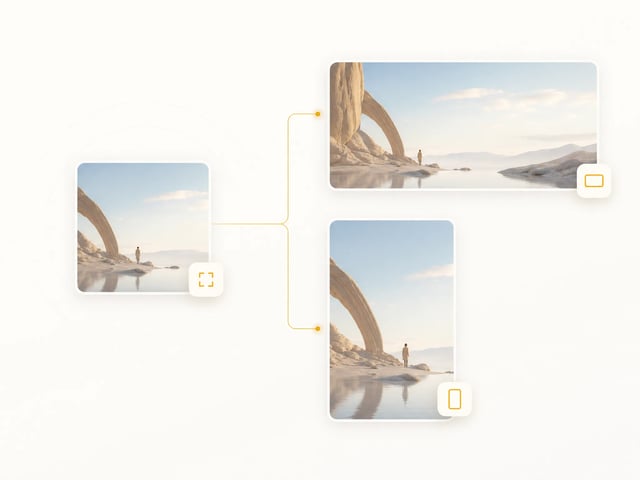
The AI image tool that changes aspect ratio without cropping. The model extends the scene to fit — square, portrait, landscape, billboard. One source, every channel.
-
Shared run history
Every AI image tool's outputs land in the same run-history sidebar. Re-open any past run, regenerate with tweaks, or pipe it into the next tool without re-uploading.
-
Clear credit pools
Every AI image tool draws from account credits. Free credits cover standard tools; Premium tools use subscription or purchased credits.
Why one workspace
Chain AI Image Tools Without Re-Uploading
The output of every AI image tool stays loaded as the input of the next — no download-upload cycle between steps.
Generate, then refine
Generate an image with the Nano Banana tool, then cut its background in the same workspace. The freshly generated image is the input for the background remover — no save-and-re-upload.
Cut out, then upscale
Cut a product out of its background, then upscale the cutout for a print-quality hero banner. Both AI image tools see the same image; the picker handoff is one click.
Generate, then reframe
Generate a 1:1 concept with Nano Banana, then reframe to landscape for a thumbnail and to portrait for Stories. It extends the scene to fit, so you don't lose composition.
Frequently Asked Questions About These AI Image Tools
What AI image tools are included in this workspace?
Every image tool a creator typically needs: a Nano Banana Image Generator (text-to-image and image-to-image across every leading model), an AI Background Remover (one-click subject cutout), an AI Image Upscaler (enlarge to print-ready resolution), and an AI Image Extender (aspect-ratio change without cropping). New tools land in the picker as they ship — no separate sign-ups.
Are these AI image tools free?
Yes — every tool here is free to try. New accounts get free credits for standard tools, topped up by daily check-in and referrals, and the Nano Banana generator also runs one free image a day with no login. Premium tools use subscription or purchased credits; paid plans add higher volume and a commercial-use license.
Do I need a Google account to use the Nano Banana tool?
No — Super Banana Pro runs the Nano Banana tool for you. Sign up once with email or Google, get free credits, and run the generator plus every editing tool from one workspace. There's no separate Google billing and no per-tool subscription.
Can I chain these AI image tools end to end?
Yes — every tool's output stays loaded as the next tool's input. Generate a product shot with Nano Banana, cut its background, upscale the cutout, then reframe it for a billboard — all without a download / re-upload cycle. The picker handoff is one click.
Can I use the outputs commercially?
Yes — outputs ship with a commercial-use license on paid plans. The legal page lists the exact terms.
Can I link to a specific AI image tool?
Yes — every tool in the picker has a stable URL parameter. Share a link like superbananapro.com/image/tools?tool=image-upscaler and the recipient lands directly on the upscaler workspace. No login needed to view; sign-up is only required to run.
Open the AI Image Tools Workspace
Free credits on signup, the Nano Banana generator and every editing tool in one picker, commercial-use outputs on paid plans.